
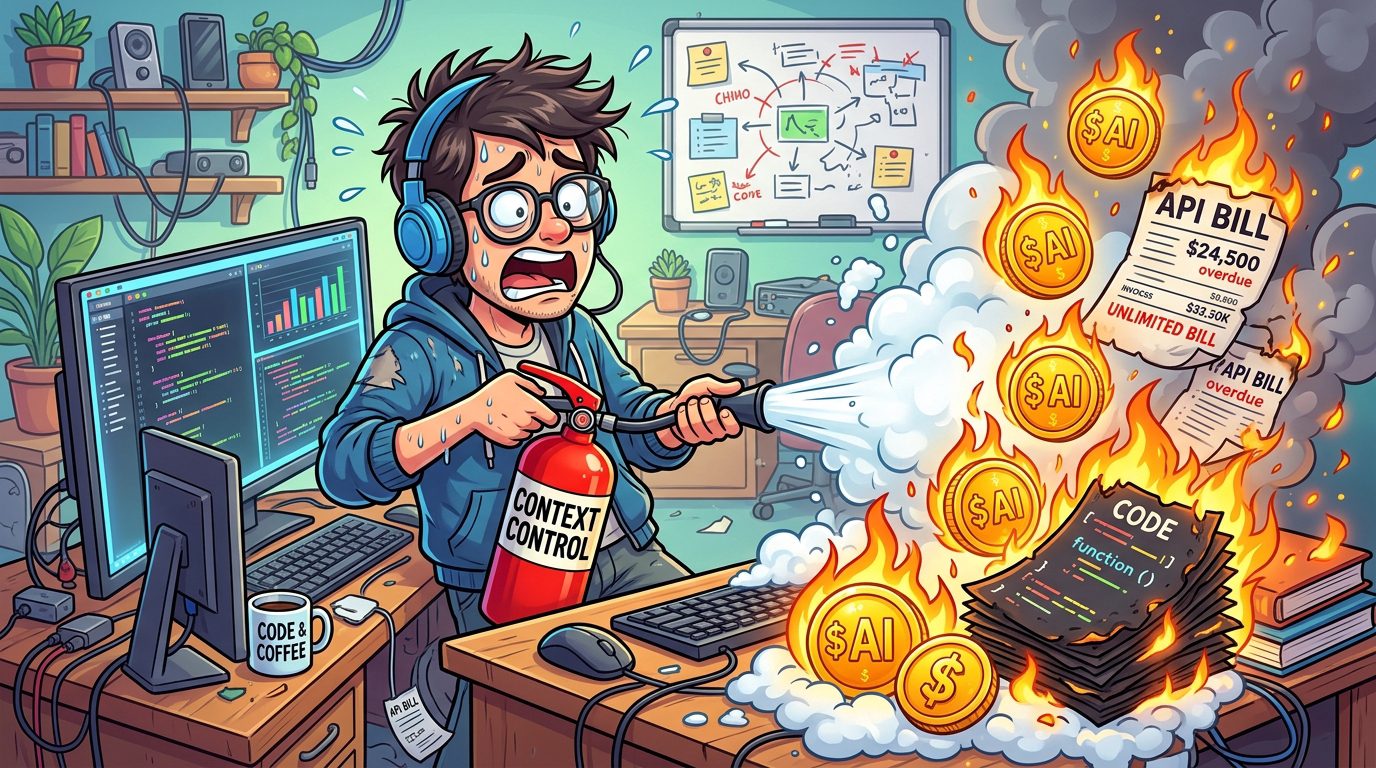
When I was building this site with AI tools, I hit a frustration almost everyone using agents eventually runs into: running out of tokens right at the finish line. First it was Kiro's free-tier allowance drying up mid-build. Then it was Claude Code eating my daily context window during a heavy refactor. By the time I reached the final AWS deployment step, I was waiting on refills before Google Antigravity helped me cross the line.
As AI platforms move to usage-based and credit-metered pricing, token burn stops being a minor annoyance and becomes a real expense, for teams and solo developers alike. An unoptimized agent loop can burn through millions of tokens in minutes without producing a single line of working code. Here is what I learned about keeping the budget under control without slowing down.
Why token burn happens
To stop it, you have to understand it. Beginners assume token usage scales with the length of their prompt. In reality, agentic tools re-send the entire conversation history and the relevant codebase context on every single turn. The spikes come from three habits.
The first is context flooding: feeding an entire monorepo, or dozens of files you are not touching, into the window when you are editing one component. The second is infinite debugging loops: letting an agent try to fix the same failing error ten or fifteen times in a row, each attempt re-sending the whole file and the error log, so the cost climbs fast while nothing improves. The third is using heavy reasoning models for trivial work, routing a basic CSS tweak or a one-line rename to an expensive frontier model.
Four rules that keep the budget in check
Over the course of building the site and my later experiments, I settled on a few practical rules.
Scope your files aggressively. Never hand an agent your whole codebase when it needs two files. This is where clean architecture pays off in a way people do not expect. My backend is split into clear layers, so for a backend change I attach exactly the model and the handler that matter, and for a frontend change I attach the one component. A smaller context is not just cheaper. It is faster and more accurate, because the model is not distracted by code that has nothing to do with the task.
Set a three-attempt circuit breaker. If an agent fails to fix a bug after three tries, stop. Do not keep pressing retry. Clear the context, read the error log yourself, and find the root cause. Nine times out of ten the agent is stuck in a hallucination loop because the prompt was missing some piece of context it could not see, like an environment assumption or a config detail. I have watched an agent burn tens of thousands of tokens circling a problem I then fixed by hand in two lines once I actually read the error. The keyboard is still the cheapest debugging tool you own.
Tier your models to the task. Reserve top-tier reasoning models for high-stakes work: architectural design, complex refactors, multi-file logic reviews. For routine unit tests, documentation, or a CSS adjustment, route the work to a smaller, faster model. Most agent tools now let you choose the tier per task, and using a frontier model to rename a variable is like chartering a jet to cross the street. The point is to match the cost of the model to the difficulty of the work, not to run everything on the most expensive option out of habit.
Reset sessions often. As a chat session grows, every new prompt gets more expensive, because the whole transcript is reprocessed on each turn. Once a feature is done and committed to Git, start a fresh session for the next one. Your commit history is the memory that matters. The chat transcript is just cost you are dragging along.
Knowing when to take the keyboard back
The most cost-effective tool is not a smarter model. It is knowing when to type it yourself. Spending twenty minutes prompting an agent through a trial-and-error loop to fix a minor alignment issue or a simple typo wastes both time and money when you could fix it in thirty seconds by hand. Use AI where it genuinely shines: generating the initial scaffolding, refactoring repetitive logic, and explaining a gnarly error trace. Use your own hands for the small, obvious things.
AI agents are real productivity multipliers, but they are engines that consume tokens, and the meter is always running. Managing your context, putting a circuit breaker on debugging loops, choosing the right model tier, and knowing when to type it yourself will keep your development fast without draining your wallet. The developers who get the most out of these tools are not the ones who prompt the most. They are the ones who know exactly when prompting is the wrong move.